

Keep your next task where you can find it
Remembering the task, deciding where it fits and picking it up again can take as much effort as doing it. LeapSteps is an executive function app for keeping those details together, so you can return to a plan instead of rebuilding it.
Get LeapSteps
Free to start.
Keep the plan outside your head
A message to answer. Something to bring tomorrow. A job you started before the phone rang. When these commitments are scattered, a longer list can become one more thing to manage.
Start with one place to record them. Then choose what needs your attention today, give a broad task a few concrete steps, and leave yourself a clear place to return.
One task, with the steps kept beside it
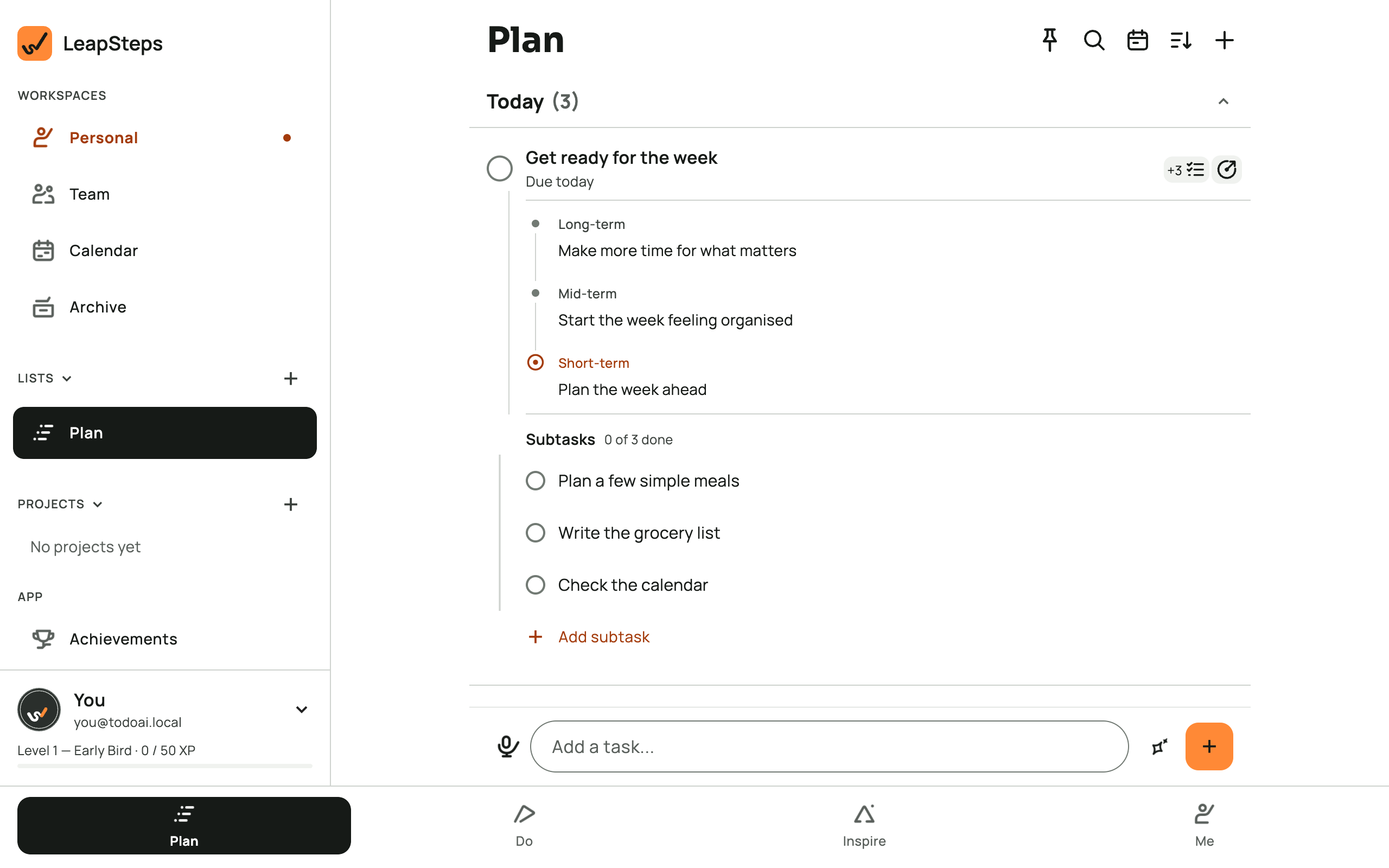
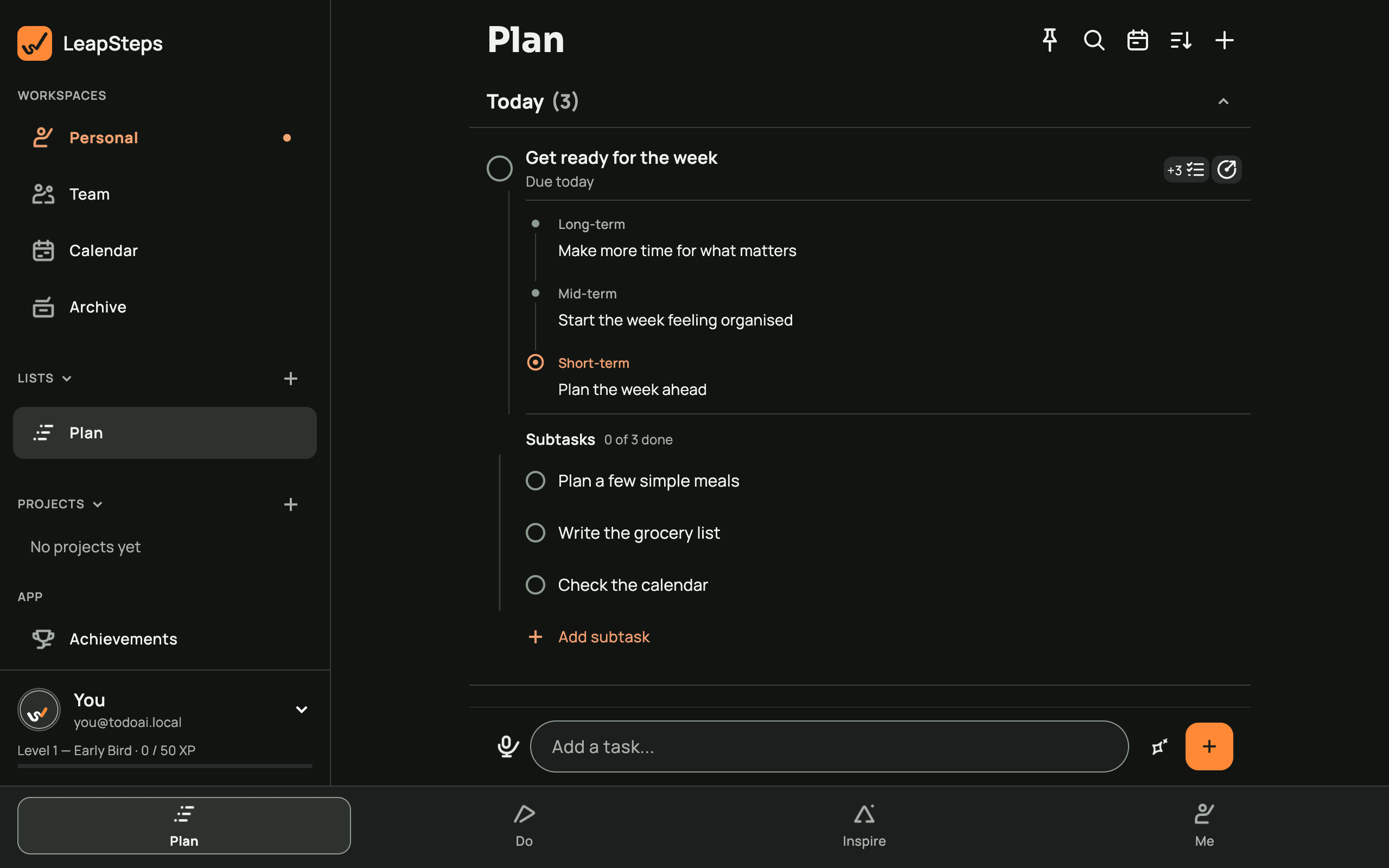
Take an ordinary Sunday task: Get ready for the week. It is easier to return to when you can see what that means: plan a few meals, write the grocery list and check the calendar.
View on another device
Look at Subtasks. If you are interrupted after writing the list, you can come back to the same task and see which actions are still unchecked.
A simple routine for the moving parts
Capture it once
Write a task while it is on your mind. Give it a date when there is a real deadline, or leave it for later.
Choose what is for today
Review Today and decide what you can take on. Later dated work belongs in Upcoming; Someday gives other ideas a place to wait.
Leave a next action
Add subtasks in your own words, or request AI suggestions and review them. A specific unchecked action makes the task easier to find again.
Make room for the interruption
You do not need to reorganize everything after a missed day. Open the task, check what still matters, and choose one action to return to. Move a date if the original plan no longer fits.
For a time-sensitive task, set a reminder and allow notifications on your device. When you want to work on one thing, select a task in Focus and keep it beside the timer.
If your main problem is putting off one particular job, see the procrastination app workflow. For a broader approach to the list itself, try how to make a useful to-do list.
Practical planning support
LeapSteps organizes tasks, reminders and steps. It does not diagnose, treat or train executive function. If you need advice about your health or individual support, speak with a qualified health professional.
You can use the list without AI. If you want help breaking down a task, the AI to-do list page explains how suggestions work. Our planner for adults with ADHD covers that audience separately.
Questions, answered
How can an executive function app help with everyday tasks?
It can give you a place to record commitments, break a broad task into actions and set reminders. LeapSteps supports those planning steps; it does not decide your priorities or do the task for you.
Can I write the subtasks myself?
Yes. Add your own subtasks, or ask AI for suggestions and keep the ones that fit. You can use the task list without requesting AI help.
What happens when I miss a planned day?
Review the unfinished task and adjust its date or next action. Today can include overdue tasks, so review it rather than assuming everything shown must be finished at once.
Does LeapSteps remind me about a task?
You can set a reminder on a dated task. Your device needs notification permission; check its settings if a reminder does not arrive.
Is this a medical app?
No. LeapSteps is a productivity and planning tool. For health questions or individual support, speak with a qualified health professional.
Which devices can I use?
LeapSteps is available for iPhone and iPad, Android, Mac and Windows. Check your store listing for requirements and availability.
Start with one next step
Write down one thing you want to work on. Give it a clear action, then choose when to return.
Get LeapSteps