

A self improvement app that turns goals into steps
You know what you want to learn or improve. Finding a place for it in an ordinary week is harder. LeapSteps is a self improvement app that connects your longer-term aim to a milestone and a task you choose to do next.
Get LeapSteps
Free to start. An account is required.
Give the intention a place in your week
Reading another tip can feel easier than deciding what to practice. A useful next step makes the intention concrete: what will you do, and when will you come back to it?
This personal development app is a goal planner and to-do list, not a library of courses or motivational quotes. Bring the skill, project or change you care about. Use LeapSteps to organize the work around it.
From learning Spanish to a practice session
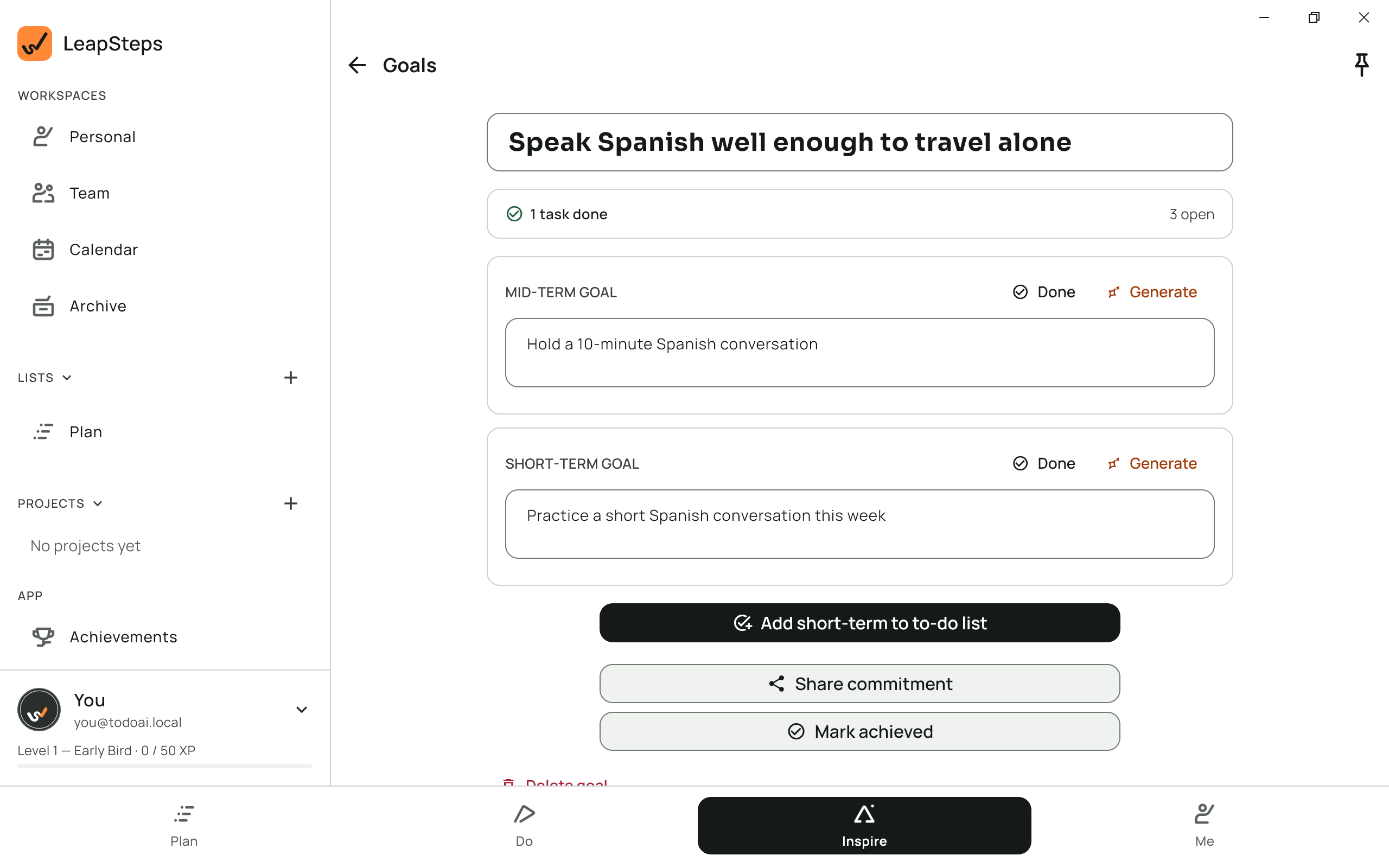
Suppose you want to feel more comfortable speaking Spanish when you travel. A broad ambition gives you direction, but it does not tell you what to do this evening.
- Name the aim. Write what you want to be able to do, in your own words.
- Choose a milestone. A short conversation gives you something more concrete to work toward.
- Pick a practice action. Decide on one session that fits your week. Add the step to your to-do list and choose its date.
You can write each part yourself or ask AI for a draft. Review the suggestions against your own experience, available time and learning materials.
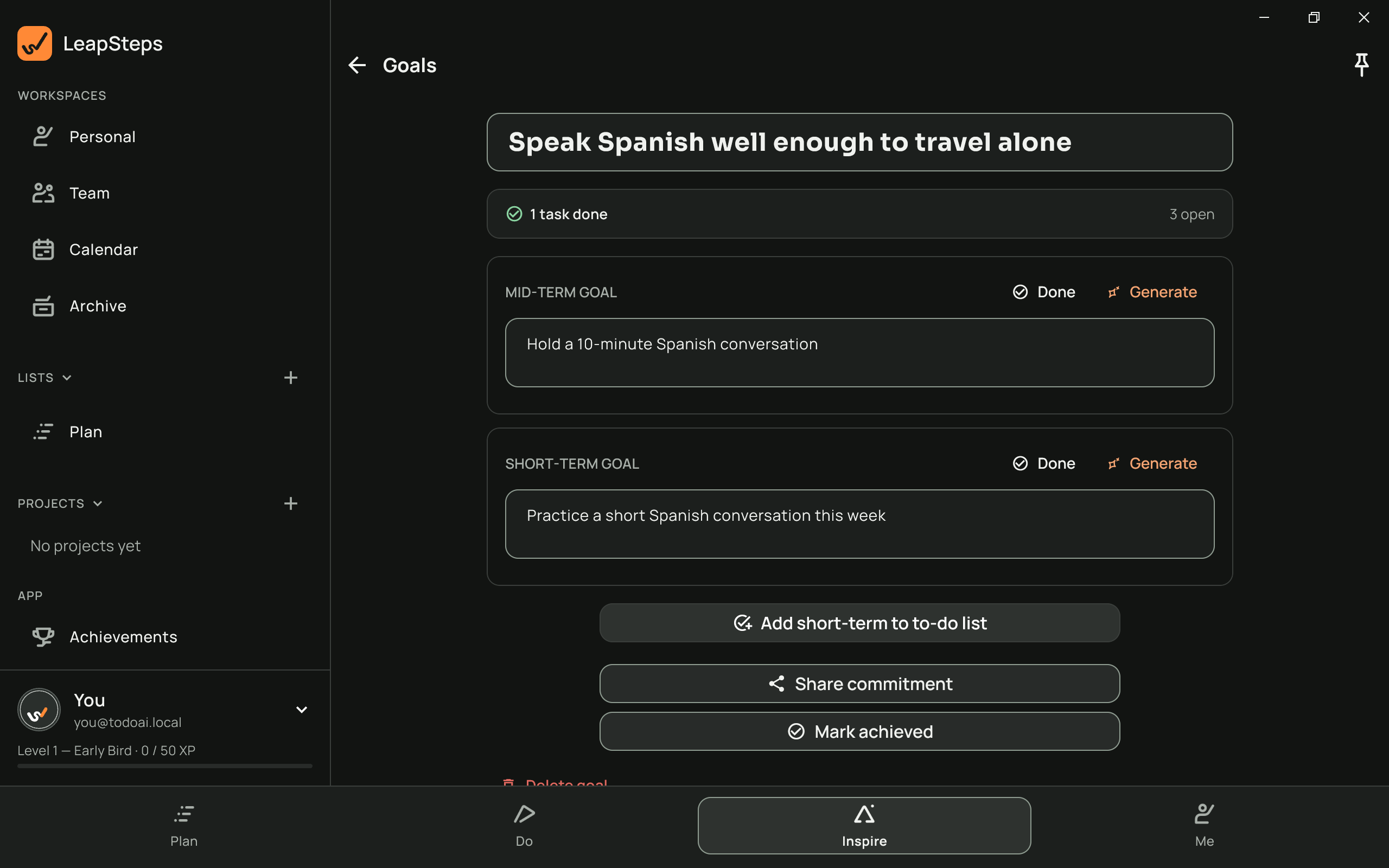
The connection matters. The goal screen keeps the larger aim, milestone and short-term step together. Adding the step to your list is your choice, not automatic scheduling.
View on another device
Make the next action easy to recognize
Choose one session
A task such as "Practice ordering a meal in Spanish" gives you something clear to do. You do not need to plan every lesson before starting.
Put it on your list
Choose a date for the task. Keep the practice beside your other commitments so you can judge whether the day has room for it.
Review what comes next
After a session, decide whether to repeat it or choose a different action. Adjust the plan when your week or your aim changes.
See the work you have returned to
When you finish a goal step and save its replacement, Steps achieved records the completed step. That gives you something concrete to look back on when the larger goal still feels far away.
Use that record to choose your next step. If the practice was too ambitious, make it smaller. If it no longer serves the goal, change direction. A checked task records work done, not proof that you have mastered a skill.
For more examples, browse personal goals. For the details of goals and linked tasks, see our goal setting app.
Questions, answered
What kind of self improvement app is LeapSteps?
It is a goal planner and to-do list for turning an intention into actions. Bring your own learning resources and ideas; LeapSteps helps organize the steps rather than supplying a course.
Can I use it as a personal development app without AI?
Yes. Write your own goal, milestone, step and tasks. AI suggestions are optional, and you review them before deciding what to keep.
Does a goal step go into Today automatically?
No. You choose to add the short-term step to your to-do list and decide its date or placement. The goal does not schedule your week for you.
How do I keep track of completed steps?
When you finish a step and save its replacement, Steps achieved records the completed step. Use it to review the actions you have taken and decide what comes next.
What if I fall behind?
Return to one action that still matters. Adjust the date or scope to fit your week instead of treating an old plan as a deadline you can never change.
Which devices can I use?
LeapSteps is available for iPhone and iPad, Android, Mac and Windows. Check the relevant store listing for requirements and availability.
Start with one next step
Write down one thing you want to work on. Give it a clear action, then choose when to return.
Get LeapSteps